
Built in the open.
Follow development, explore the C++ source, and see the community's work as it happens.
About shadPS4 ↗Download shadPS4 and explore your PlayStation 4 library on PC. Check game compatibility, set up your controls, and get ready to play.

Discover a project that brings PlayStation 4 emulation to your desktop. Start with the right tools and see what works for your library.
Follow development, explore the C++ source, and see the community's work as it happens.
About shadPS4 ↗Use a supported controller or configure keyboard inputs to suit the way you play.
Find your setup ↗QtLauncher gives you a graphical interface and a place to manage emulator versions.
Download for Windows ↓Real screenshots from the shadPS4 project, showing the launcher and a game running on Windows.
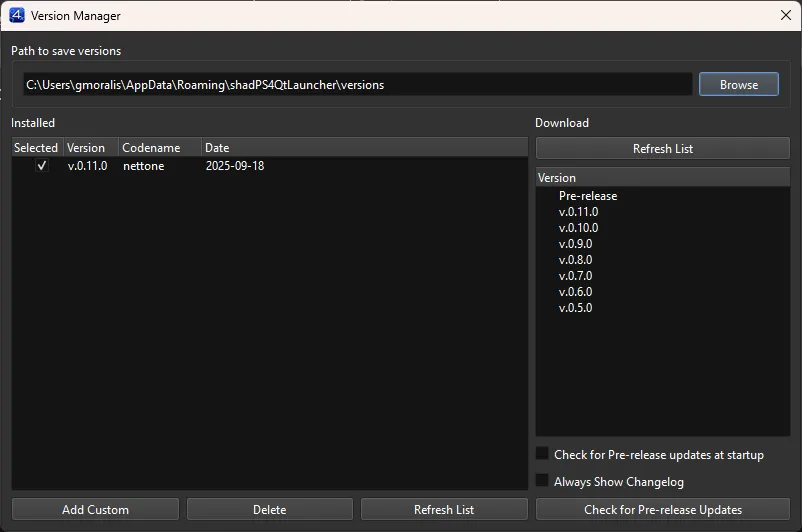
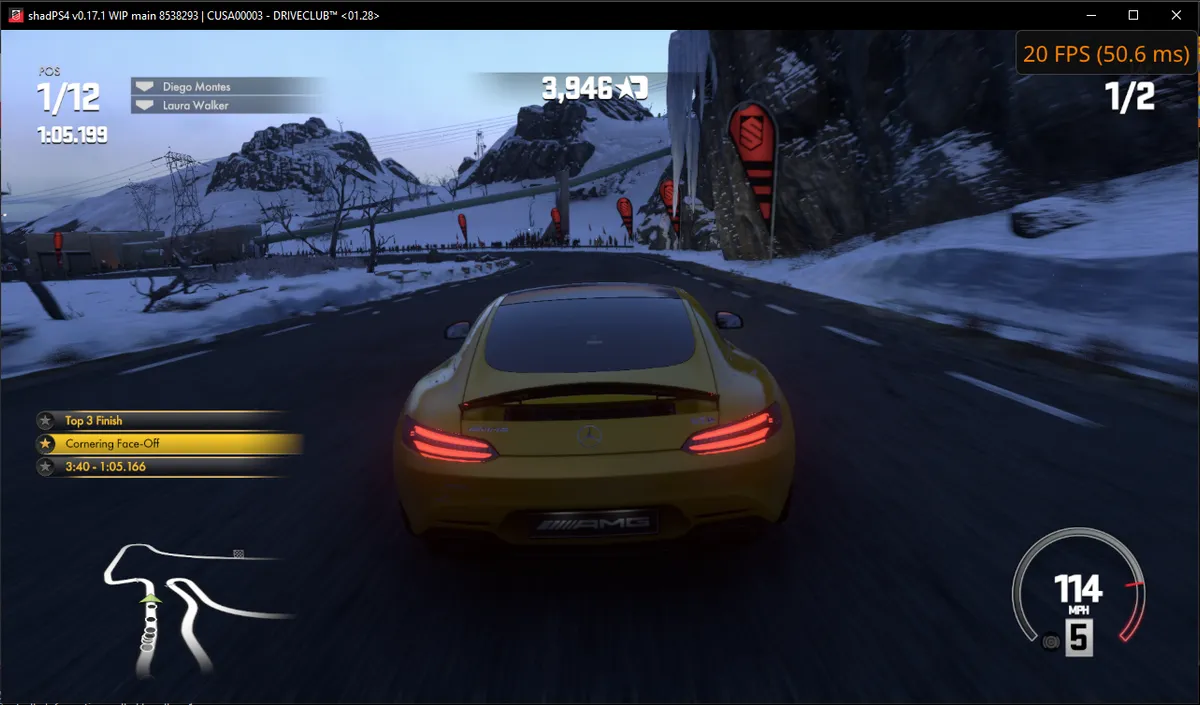
Screenshots: shadPS4 launcher announcement ↗ and project gallery ↗. Interface and game results depend on the version and hardware used.
Compatibility changes as shadPS4 develops. Look up your title before downloading and check reports for your hardware and emulator version.
Explore compatibility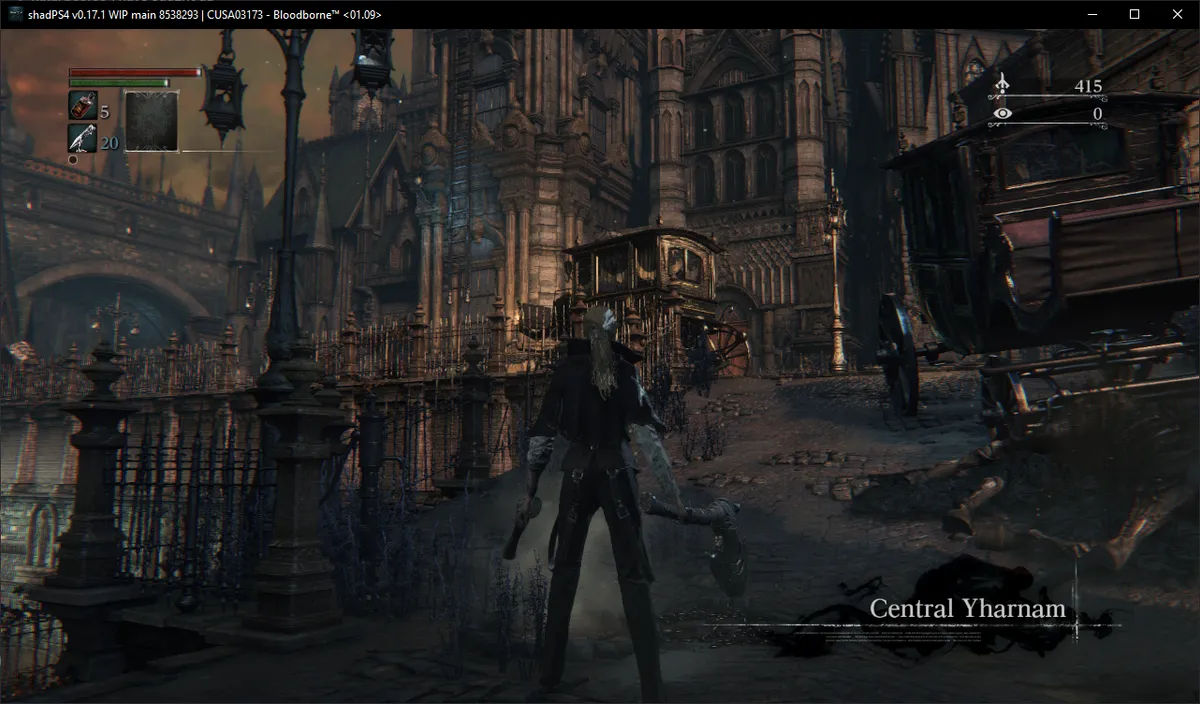
The essentials, answered.
shadPS4 is a community-developed, open-source PlayStation 4 emulator. It is written in C++ and remains under active development.
For PlayStation 5, visit the dedicated PS5 emulator website.
Visit the PS5 emulator websiteNo. Some titles run, while others encounter graphical errors, crashes, or fail to start. Check the upstream compatibility database for your exact game and emulator version.
No. The launcher and emulator do not include games or Sony firmware. Use game files and required system modules from your own console.
Download the Windows package, extract it into a folder you can write to, and follow the Windows setup guide.
Practical answers for your next step.
A PS4 emulator is software that recreates parts of the console environment on a computer. shadPS4 is an open-source project focused on PlayStation 4 emulation. This website helps Windows users find the download, understand the setup process, and check game reports before testing their own library.
Start with the question you need answered: where to download shadPS4 for Windows, what hardware it needs, or whether a particular PS4 game has been tested. Each page covers that step in more detail.
Check your Windows version, processor, graphics card, and available memory against the requirements. Then look up the exact game you want to test. A PC that meets minimum specifications does not establish that every game will run well; hardware readiness and game compatibility answer different questions.
The Windows setup guide puts those checks alongside installation steps, so you can prepare your PC before opening the emulator.
The images above come from the shadPS4 project and show real interfaces or game output from the builds identified in their captions. Use them to understand what the software looks like. For a decision about a specific title, read its compatibility report rather than treating a screenshot as a promise of performance on your PC.